Four Tips for Setting Up Your Line Scan Vision System
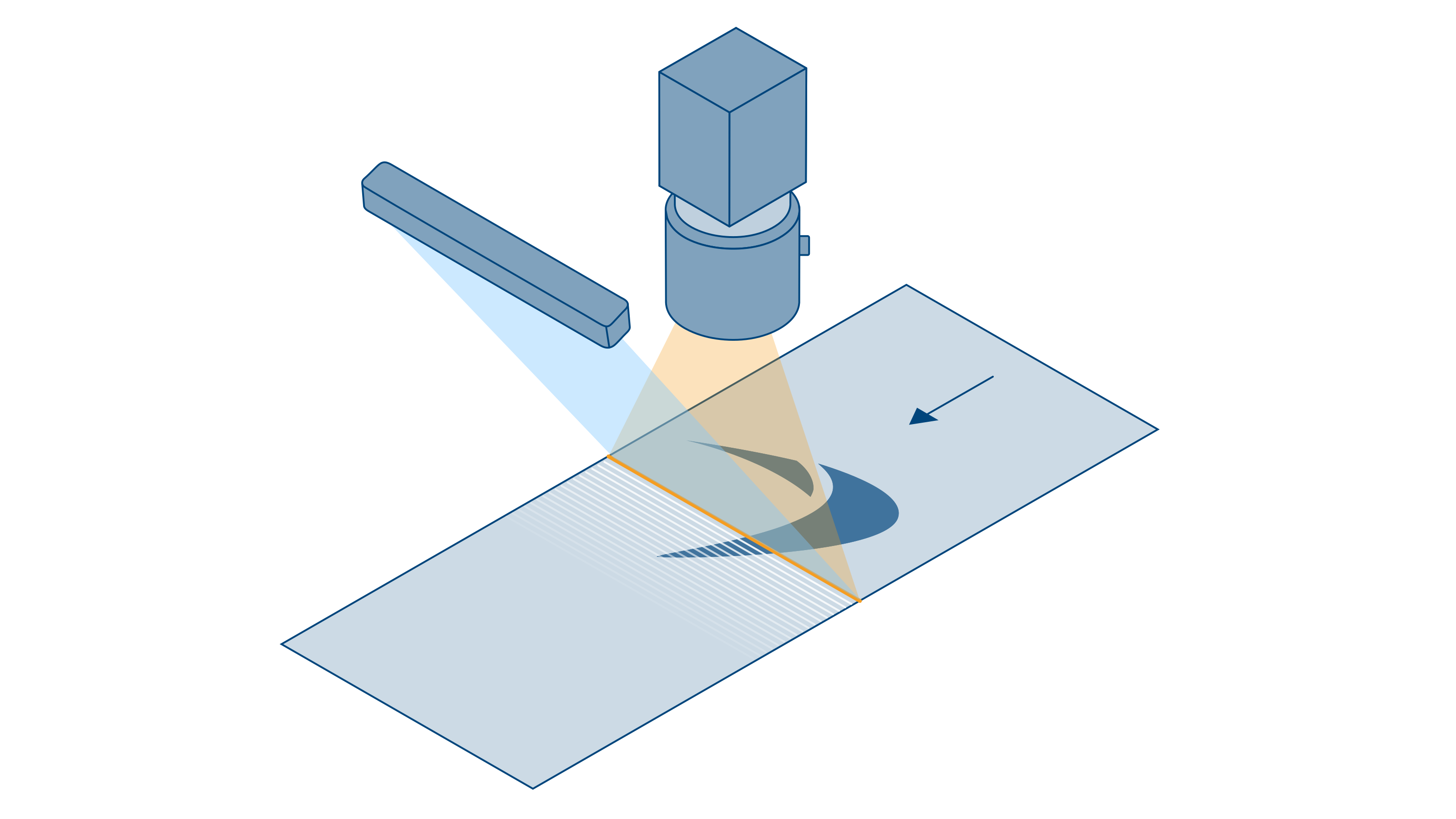
Line scan cameras are well suited for inspection tasks involving fast-moving objects and endless material. Combining subsequent lines produces high-resolution images that cannot be achieved with area scan cameras. This article shows why line scan cameras are often the better choice and what special features need to be considered when setting up a line scan vision system.
Last updated: 16/06/2025
Reading time: approx. 3 Minutes
When do I need a line scan vision system?
Line scan cameras are particularly well suited for inspecting fast-moving objects or endlessly moving material. We show their typical applications and why an area scan camera is not suitable for such applications.
Application areas for line scan cameras

Inspection with a moving camera
A line scan vision system is well suited for inspecting long, static objects where the camera is moving.
Examples:
Railroad tracks
Tunnels
Applications in robotics

Inspecting moving goods
Line scan cameras are well suited for inspecting moving goods that are produced continuously.
Examples:
Endlessly produced goods (e.g. film production, battery cell production, printed products)
Piece goods, e.g. for parcel sorting

Inspecting cylindrical objects
Cylindrical objects can be displayed sharply and undistorted with a line scan camera. To do this, they are rotated under the camera.
Examples:
Barrels
Ampoules
Car tires and rail vehicle wheels
When do I use line scan cameras instead of area scan cameras?
A key advantage of a line scan camera is that the entire object is always captured from the same direction and at the same angle. This enables consistent and precise image acquisition.
In contrast, an area scan camera provides varying image acquisition conditions across the image.
Unlock article "Four important tips for setting up your line scan vision system" for free
Unlock the full article "Four important tips for setting up your line scan vision system". Sign in to My Basler or use the form – free and non-binding.