from pypylon import pylon
with pylon.InstantCamera(pylon.FirstFound) as camera:
    grab_result = camera.GrabOne(5000)
pylon.DisplayImage(1, grab_result)pypylon
Official Python wrapper for Basler vision hardware
pypylon is a Python interface in the pylon Software Suite that integrates Basler vision components with Python. As an official Basler product, you benefit from reliable support directly from our experts. Python offers you maximum flexibility through its open-source code, enabling pypylon to be customized to meet your needs.
pip install pypylonReliability and technical support
pypylon remains 100% open source, but is developed, delivered, and supported by our technical support team.A simple introduction to pypylon
Over 50 code examples, including comprehensive documentation and a getting-started guide, make it easy to get started in pypylon.Full feature set in pypylon
Every feature of the pylon SDK is also available in pypylon, including camera configuration and image processingFrom prototype to robust solution in no time
With Python and pypylon, you can effortlessly turn ideas into powerful solutions—with the robustness and speed of the pylon SDK
pypylon documentation and tutorials
In the Basler documentation, you'll find helpful information on installation, usage, and basic programming examples using Basler vision hardware.
pypylon makes getting started with Basler products easier than ever. If you write Python, you can capture your first image in just a few lines—without having to use C++ or set up a new toolchain. Since both are based on the same pylon technology, solutions can be tested quickly and deployed into production reliably.

Ready-to-use examples
Whether it's your first test setup or a complex multi-camera application, our code examples cover the most important use cases—ready for immediate use or as a foundation for your own projects.
View all samplesContinuous image stream
Continuous image capture with configurable exposure, gain, and pixel format. Includes NumPy array output.
grab.pyOpenCV live
preview
Live camera feed displayed directly via cv2.imshow. The built-in converter converts Bayer and mono formats for OpenCV.
opencv.pyMulti-camera synchronization
Synchronous image capture from multiple cameras through InstantCameraArray, using hardware or software triggers.
grab_multiple_cameras.pyCamera event handler
Registering Python callbacks for camera events—demonstrated using the Exposure-End event, including frame ID and timestamp.
grab_camera_events.pyTimestamp & metadata
Access to chunk data per frame, including the hardware timestamp, exposure time, and other camera status information.
grabchunkimage.pyDebugging
Reads device information and camera parameters—to test features, transport layers, and interfaces.
info_dumper.pyUsing pypylon in practice
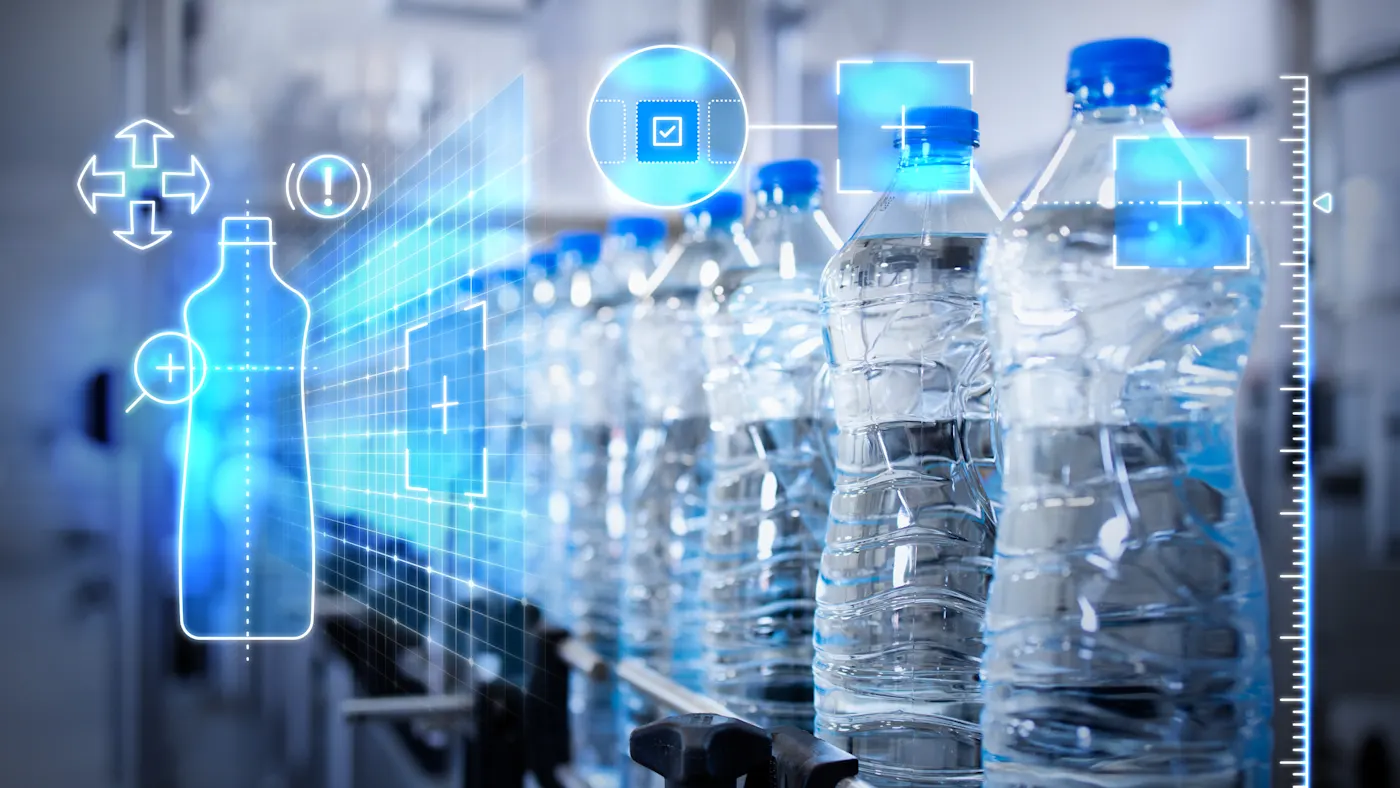
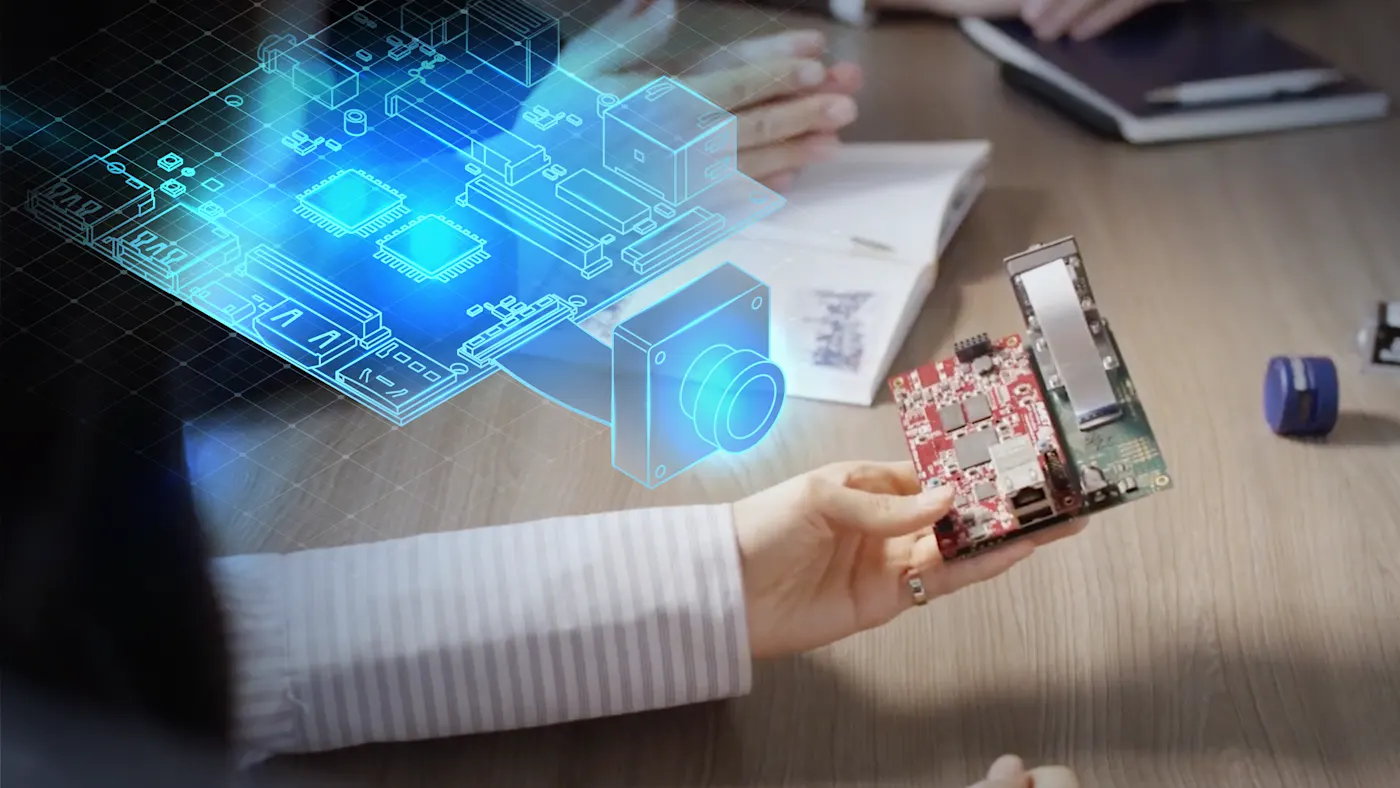
pypylon is used wherever Python's well-known flexibility meets industrial image processing—from quality inspection on the production floor to the research lab, and from the first prototype to production-ready applications.
Further information about pypylon
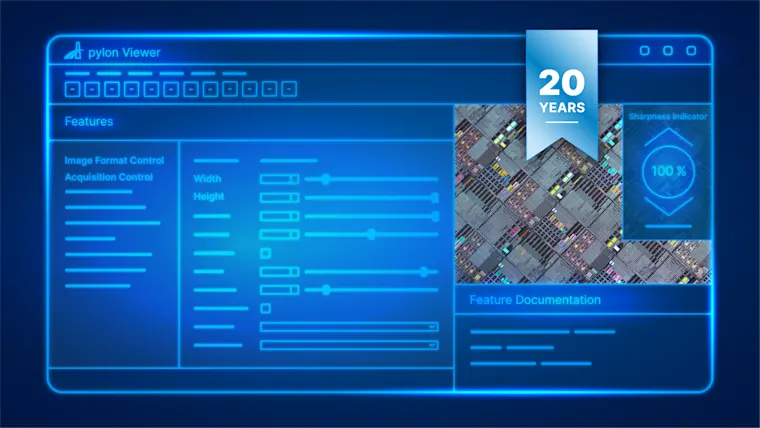
Learn more about our products and applications. Our comprehensive materials provide you with all the important details.
FAQ: Answers about pypylon
pypylon covers the full range of features offered by the pylon C++ SDK and is officially developed and supported by our team. It is best suited for both rapid prototyping and use in production applications.
Yes. Multiple cameras can be controlled simultaneously, including individual configuration, synchronization, and parallel image capture via threading.
pypylon supports all common Basler camera interfaces, including GigE Vision and USB3 Vision. The complete list of compatible devices can be found in the documentation.
pypylon is available for Windows, Linux, and macOS. This allows pypylon to be used flexibly in a variety of development and production environments, from a local Windows workstation to a Linux-based embedded system.
Windows 64-bit,
Linux x86_64 and Linux ARM 64-bit,
macOS Intel/ARM 64-bit
The API remains compatible. pypylon is now officially maintained, tested, and distributed by Basler, and technical support is provided—upgrading to the latest version is recommended.
Version compatibility at a glance
Since pypylon 26.1.0, the version number is aligned with the pylon Camera Software Suite. New versions are released monthly in parallel.
pypylon Version | pylon Camera Software Suite | Date |
Year.Month | Year.Month | monthly |
|---|---|---|
26.05 | 26.05 | May 2026 |
26.01 | 26.01 | January 2026 |
4.2.0 | 8.1.0 | June 2025 |
4.0.0 | 7.5 | July 2024 |
3.0.0 | 7.4 | November 2023 |
*The table is not complete. You can find the full release notes in the documentation.
Important notes:
From pypylon 4.0.0: support for Basler 3D cameras (e.g., Basler ToF Camera) and CXP-12
From pypylon 3.0.0: support for pylon vTools
Supported Python versions: currently up to Python 3.13, also backward compatible from Python 3.9 via ABI3 wheels
Yes. pypylon is fully open source under the BSD license and can be used without restriction in commercial projects.
After installing with `pip install pypylon`, the camera is accessed via an InstantCamera object. The `Open()` method establishes the connection, and `GrabOne()`, `StartGrabbing()`, and `RetrieveResult()` can be used to capture a single image. To the Getting Started Guide
Yes, pypylon is licensed under the BSD license and is available on GitHub. The wrapper itself is open source, but it is based on the pylon Software Suite, which can be installed separately.