Basler Vision Simulation
Simulation for Faster Vision Solution Development
With over 250 simulated cameras, matching lenses and lighting, you can develop image processing applications virtually – without time-consuming physical prototypes. Thanks to sensor-realistic images, you can generate the image data for training your AI.
Faster
Vision systems can be created, tested, iterated and optimized virtually – without complex hardware setupsPrecise images
Sensor-realistic images respond correctly to changing settings – with exceptional accuracy to real-world setupsTrain AI
Neural networks can be fully trained with automatically labeled synthetic imagesMaximum product selection
Realistically combine and compare over 250 cameras, 30 lenses and 14 lights
Develop using simulation
Make robust decisions with high correspondence between simulation and reality
Which field of view (FOV) can be best achieved with which camera? How does the scene change under different lighting conditions? Basler Vision Simulation provides the answers.
Optimal design of vision systems
Since our digital twins of vision products both correspond to actual hardware and provide comparable technical image data, we can determine the appropriate camera and optic combination:
Is the image sharp? Is the camera resolution sufficient? How large is the field of view coverage compared to the object?
The simulation provides quick and reliable answers while incorporating the ideal lighting products for the scene:
What is the light distribution of the selected light? How should the lighting be set up to avoid reflections? At what lighting angle are defects most noticeable?
Realistic image simulation
We use our decades of experience with image processing products to create realistic image simulations:
Realistic modeling of cameras in terms of resolution, pixel pitch, field of view (FOV), and exposure time
Realistic behavior of optics with regard to focal length, depth of field, aperture, and transmission
Simulation of lighting properties such as light distribution, total light emission and control of lighting intensity (Basler SLP controller)
What our customers say
Simulation first-approaches can significantly simplify and accelerate complex system development and deployment. Basler Vision Simulation makes it easier to adopt simulations and increases their precision. This is especially relevant in applications where high levels of vision accuracy and reliability are required.

Typical areas of application
Which applications is vision simulation particularly suited for?
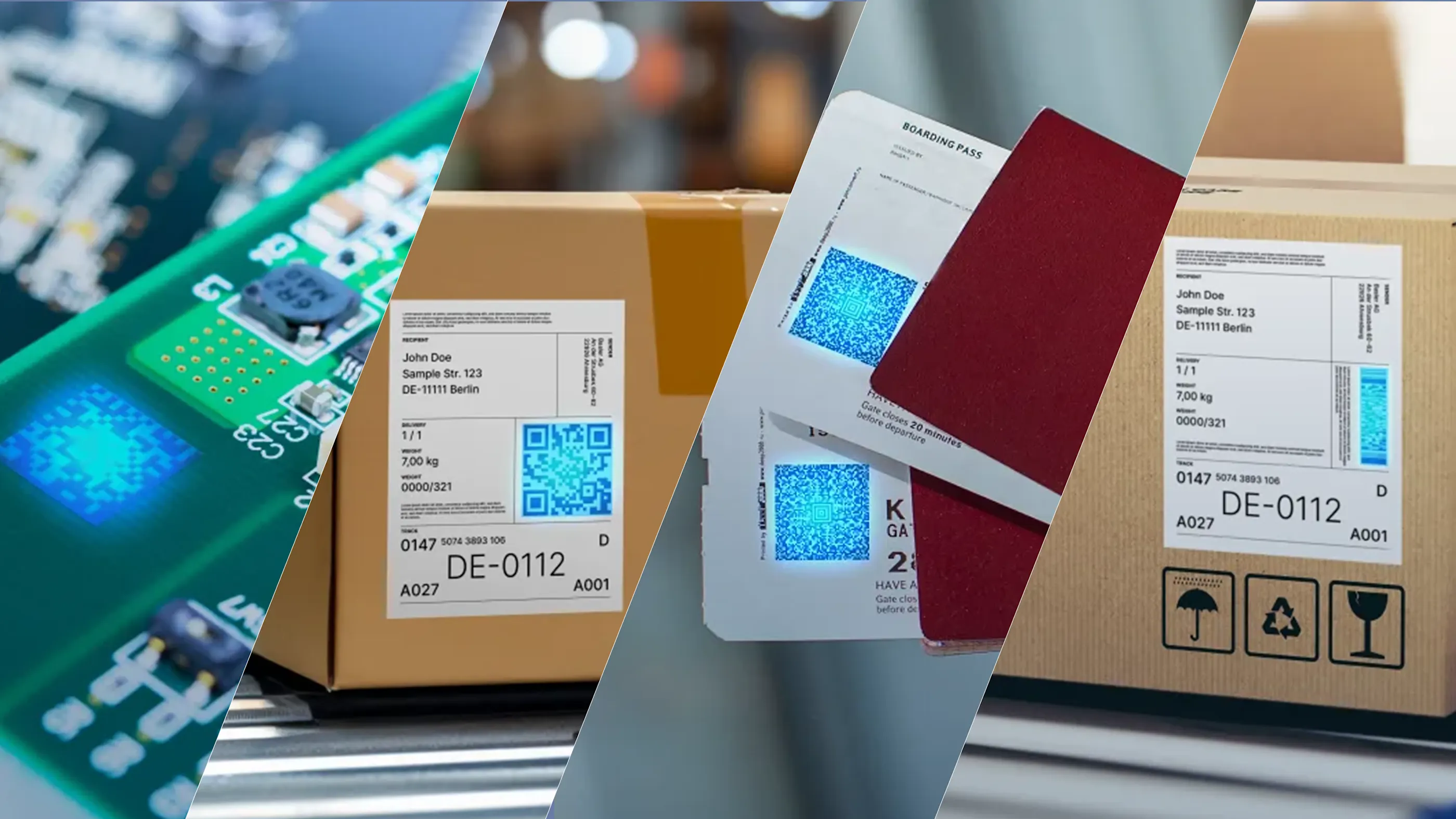
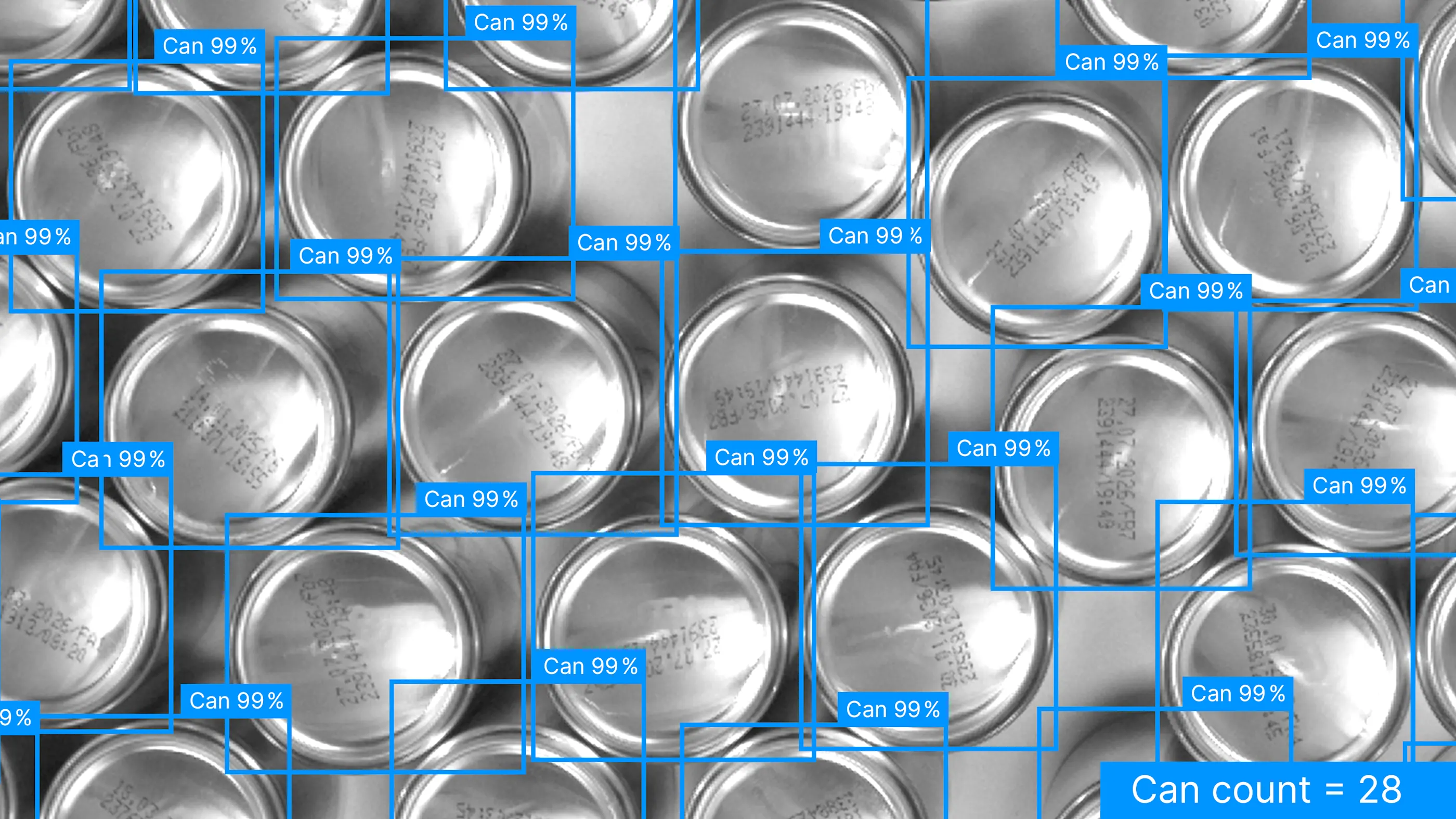
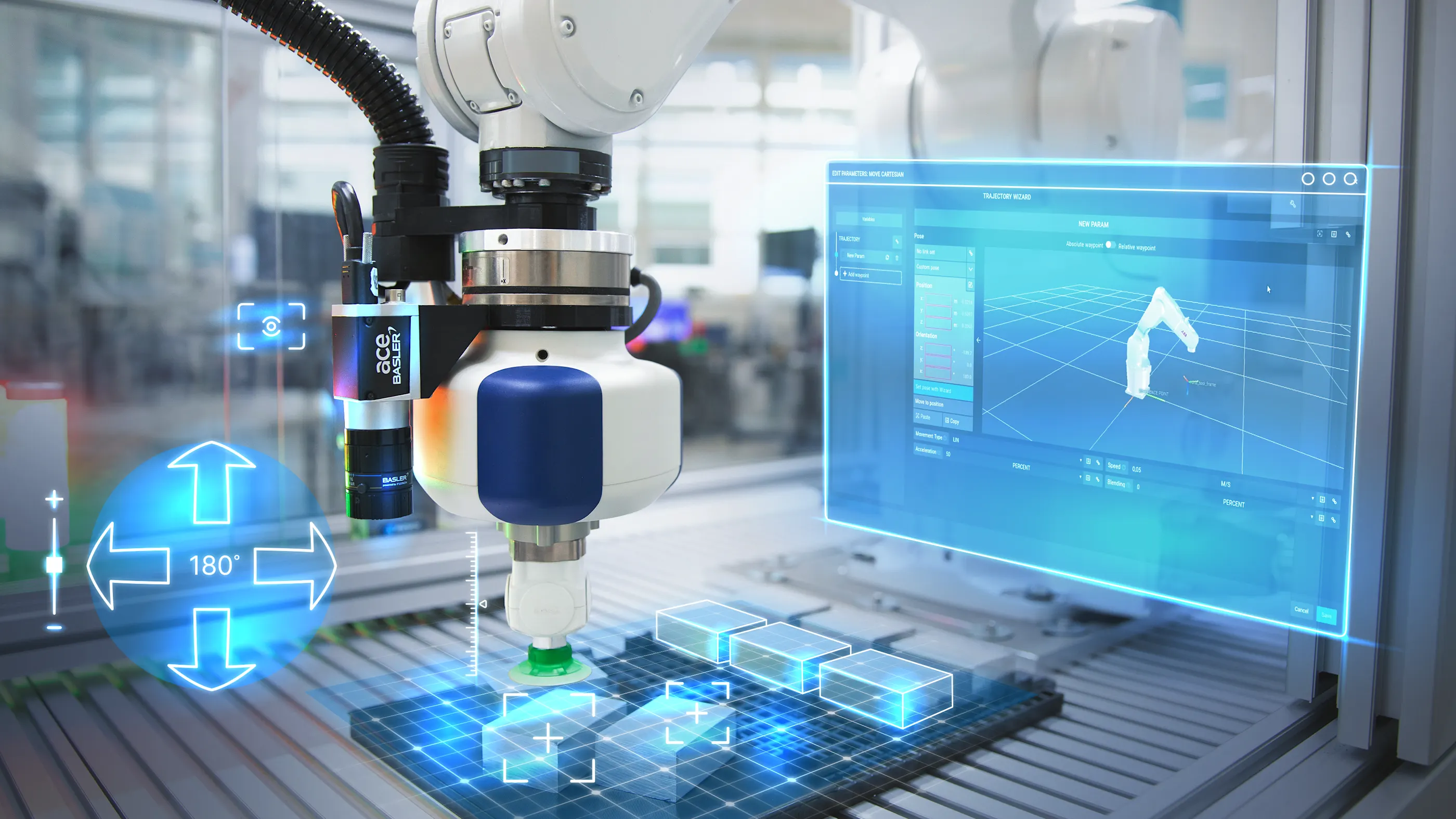
Synthetic images for AI training
Create high-quality training data in no time
Generating synthetic data is revolutionizing the training of AI models. Instead of collecting real data in a costly and time-consuming manner, you can create large quantities of perfectly annotated training data with the push of a button.

Pixel-perfect, perfectly labeled
Each synthetic image comes with precise annotations – fully automated and without manual labeling effort.

Maximum diversity
Data sets can be flexibly varied: Both 3D objects and vision system parameters can be randomized.

Scale flexibly
Expand your datasets at any time: New scenarios and annotations can be generated quickly, eliminating the need to wait for real image capture.
Basler Vision Simulation
Overview
With the Early Access program, you receive free access to our simulation software. You test important features, explore real-world use cases, and provide feedback that directly influences functionality, usability, and performance.
An NVIDIA RTX™-enabled graphics card is required.
The program is limited.
Basler Vision Simulation
Simulated images can be displayed live, saved, and used for image processing
Simulated images can be displayed live, saved, and used for image processing
Simulated products can be controlled exactly like in the real world
Simulated products can be controlled exactly like in the real world
Detailed information about the simulated products is available
Detailed information about the simulated products is available
Product selection and configuration can be controlled via script
Product selection and configuration can be controlled via script
Support for NVIDIA Omniverse™ Replicator for domain randomization
and synthetic data generation
Support for NVIDIA Omniverse™ Replicator for domain randomization
and synthetic data generation
Interface to Basler pylon Software to test image processing with the
Basler pylon vTools image analysis software
Interface to Basler pylon Software to test image processing with the
Basler pylon vTools image analysis software
On request
Simulated cameras
Simulated cameras
252 2D area scan cameras
from the ace and ace 2 series
Simulated lenses
Simulated lenses
30 fixed focal lenses
Simulated lighting
Simulated lighting
14 bar and ring lights
with white LED color
Note:
Customizations of features or additional simulated products are possible within the scope of paid customer projects.

From physical vision systems to OpenUSD:
Building digital twins for virtual commissioning
Learn how we use OpenUSD and integrate with NVIDIA Omniverse™ to build digital twins of machine vision systems for virtual commissioning. Discover workflows for simulation, configuration, synthetic data generation, AI training, and deployment.
Watch session nowVirtual commissioning
Here's how: Commission your vision system in just a few steps
We offer a comprehensive end-to-end workflow for virtual commissioning:
Procedural asset engineering: A pipeline for generating textured 3D assets from input data.
System design in simulation: Configuration of a vision system in simulation.
Synthetic data generation: A pipeline for creating balanced, large-scale training datasets.
MLOps & production runtime: A trained AI model together with the software runtime for production use.
Deployment: Deployment of the complete solution to real hardware.
Do you still have questions and would like to speak with our project team?
FAQ: Answers about Basler Vision Simulation
The Early Access program of Basler Vision Simulation is free of charge.
With the Early Access version of the Basler Vision Simulation, we provide a simulation software for the development of vision applications. The software can be installed and used free of charge and starts with a selection of simulated products. It allows users to get familiar with the features and gain practical experience. At the same time, we aim to collect user feedback as part of the program in order to further develop and improve the software.
There are 252 area scan cameras, 30 fixed focal lenses, and 14 lights available.
The following features are available:
2D area scan cameras | Fixed folcal lenses | Bar lights and ring lights |
3D models | 3D models | 3D models |
|---|---|---|
Resolution | Focal length | Light distribution |
Pixel pitch | Depth of field | Total light emission |
Field of view (FOV) | Aperture | LED color: White |
Exposure time | Transmission | Control of lighting intensity (Basler SLP Controller) |
Balanced, high-quality training data is achieved by systematically varying the relevant parameters during data generation. These parameters include:
Object randomization: This involves varying the object’s 3D shapes, arrangement, and materials, as well as introducing procedurally generated defects.
Vision system configuration: This involves varying the camera position, light position, light intensity, exposure time, and resolution.
Deliberately combining these parameters creates a diverse dataset that reflects different real-world conditions and improves the robustness of the trained model.
Operating system
Windows 11 (64-bit)
Linux Ubuntu 22.04, or newer
Hardware requirements
GPU: NVIDIA RTX™-capable GPU (GeForce RTX™ 3070 or better recommended), latest version of NVIDIA GPU Driver
CPU: Multi-core processor (comparable to Intel i7 or AMD Ryzen 7)
RAM: Minimum 16 GB (32 GB recommended)
Storage: Minimum 10 GB free storage space for installation
Display: Resolution of 1920 px x 1080 px or higher
No, the Early Access version of the Basler Vision Simulation is not intended for productive use in operational business.
You would like to discuss Vision Simulation with us? Our project team looks forward to hearing from you:
Contact our Vision Simulation project teamDo you have technical questions? Please contact our technical support:
Contact support